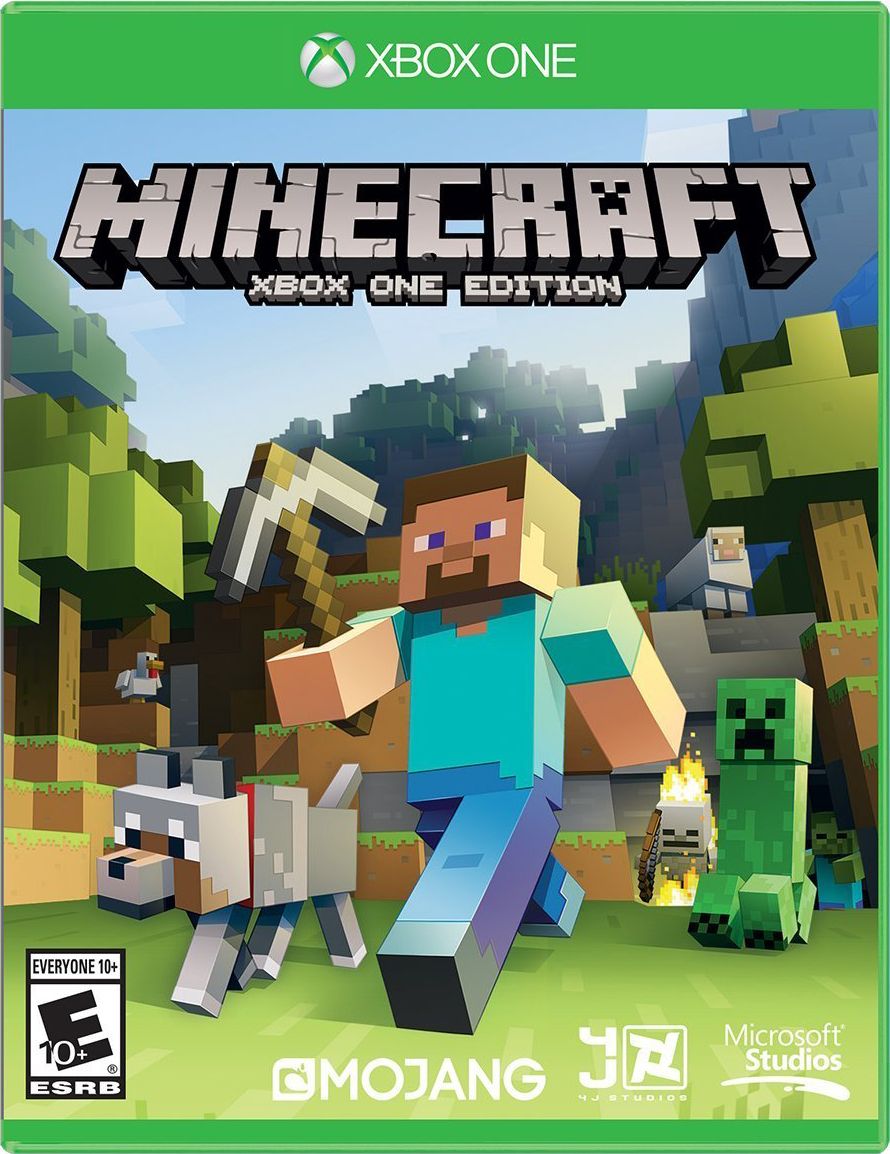
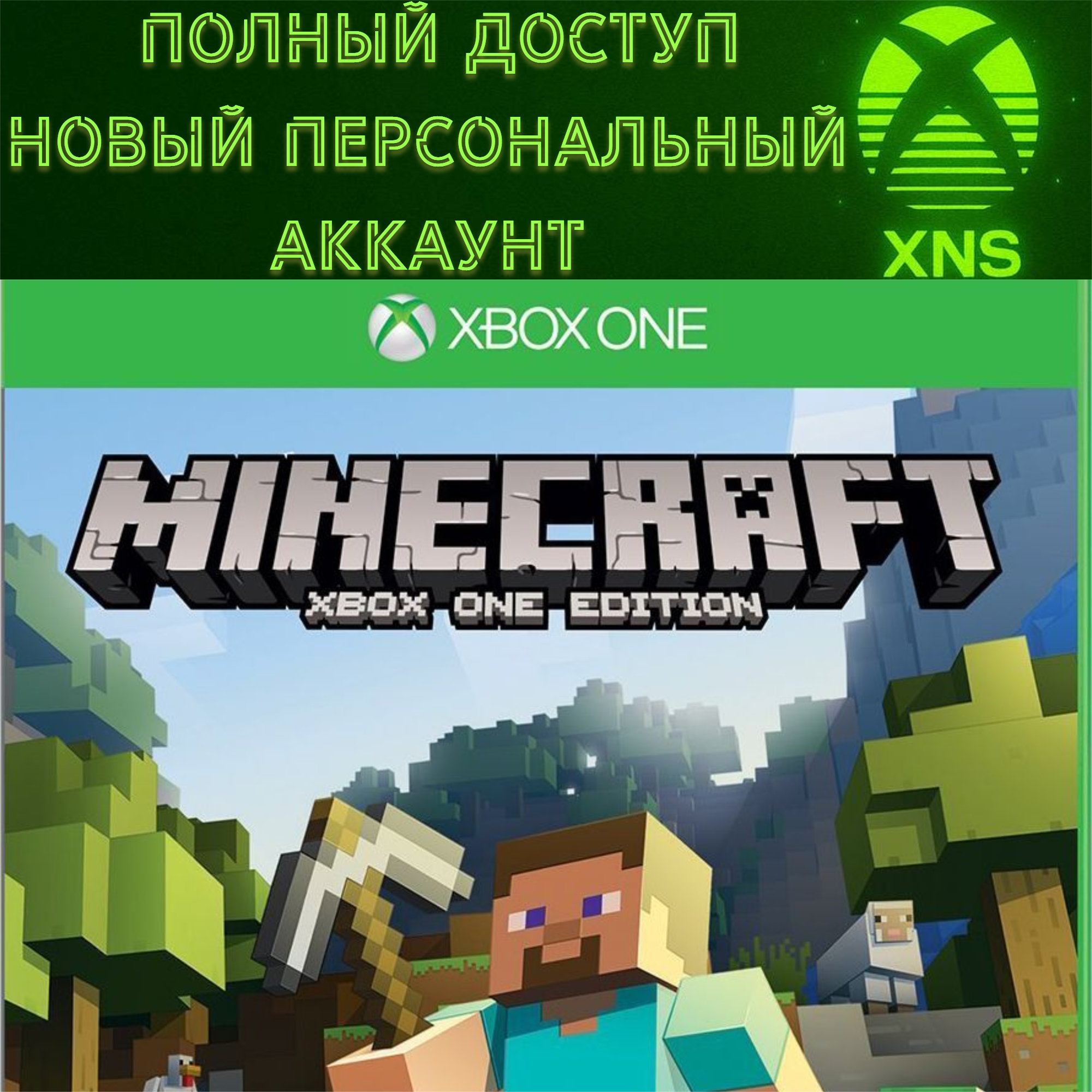
MINECRAFT XBOX FULL ACCESS NEW PERSONAL ACCOUNT
Content: text (0 symbol)
Available: 23
Uploaded: 01.02.2026
Positive responses: 0
Negative responses: 0
Sold: 0
Refunds: 0
Seller: Xbox Nice Shop
information about the seller and its items
Loyalty discount! If the total amount of your purchases from the seller more than:
| $10 | the discount is | 1% |
| $100 | the discount is | 2% |
| $500 | the discount is | 3% |
| $1000 | the discount is | 4% |
| $10000 | the discount is | 5% |
~ $16.95
The exact amount is on the payment page
❗️ The product has automatic
You will receive the data immediately after payment❗️
✅ THE ACCOUNT IS SUITABLE FOR THE HOME CONSOLE FUNCTION (THE GAME WILL BE FULLY ACCESSIBLE ON YOUR PERSONAL ACCOUNT)
✅ NEW MICROSOFT ACCOUNT WITH AN ETERNAL LICENSE, NOT A SUBSCRIPTION
✅ YOUR PERSONAL ACCOUNT, NOT A COMMON ACCOUNT
✅ Minecraft ONLY FOR XBOX CONSOLES FOREVER
✅ Suitable for XBOX ONE and XBOX SERIES
✅ Your progress in the game
✅ Full data change (email/password/all) ❗❗❗IMPORTANT INFORMATION❗❗❗
Read the description carefully. Due to your negligence or error on your part, no refunds will be issued. Refunds will only be issued if I have made a mistake.
❗All accounts have a game that was added by us only. Zero game hours
If you have any problems or just need help, please contact us and we will be happy to assist you.
You will receive the data immediately after payment❗️
✅ THE ACCOUNT IS SUITABLE FOR THE HOME CONSOLE FUNCTION (THE GAME WILL BE FULLY ACCESSIBLE ON YOUR PERSONAL ACCOUNT)
✅ NEW MICROSOFT ACCOUNT WITH AN ETERNAL LICENSE, NOT A SUBSCRIPTION
✅ YOUR PERSONAL ACCOUNT, NOT A COMMON ACCOUNT
✅ Minecraft ONLY FOR XBOX CONSOLES FOREVER
✅ Suitable for XBOX ONE and XBOX SERIES
✅ Your progress in the game
✅ Full data change (email/password/all) ❗❗❗IMPORTANT INFORMATION❗❗❗
Read the description carefully. Due to your negligence or error on your part, no refunds will be issued. Refunds will only be issued if I have made a mistake.
❗All accounts have a game that was added by us only. Zero game hours
If you have any problems or just need help, please contact us and we will be happy to assist you.
Instructions for using a home account:
Add an account with a subscription/games to your console. (F.A.Q. 1p.) Then make the account with the subscription/games your "Home" account (F.A.Q. 2p.), and the subscription/games will be shared with your main account, and all your saves and achievements will remain.
After that, you can log in to your account as usual and play/download games. You can also delete the account from your console if it is causing you problems.
F.A.Q.:
1. How to add or change an account?
Guide button (central button of the gamepad) - scroll to the right - Add or change - Add a new one (or select from existing accounts to change)
2. How to make it "home"?
Guide button (central) - scroll to the right - options - General - Personalization - My home console - and there you need to check the box.
Add an account with a subscription/games to your console. (F.A.Q. 1p.) Then make the account with the subscription/games your "Home" account (F.A.Q. 2p.), and the subscription/games will be shared with your main account, and all your saves and achievements will remain.
After that, you can log in to your account as usual and play/download games. You can also delete the account from your console if it is causing you problems.
F.A.Q.:
1. How to add or change an account?
Guide button (central button of the gamepad) - scroll to the right - Add or change - Add a new one (or select from existing accounts to change)
2. How to make it "home"?
Guide button (central) - scroll to the right - options - General - Personalization - My home console - and there you need to check the box.
No feedback yet